 KitCheck
Try the demo
by Zapro LLC · Brooklyn · KitCheck v9.1
Your EMT kit, always ready for the next call.
KitCheck knows what is in your bag and at the house, what expires soon, and what you used on each call. Now with search for every item.
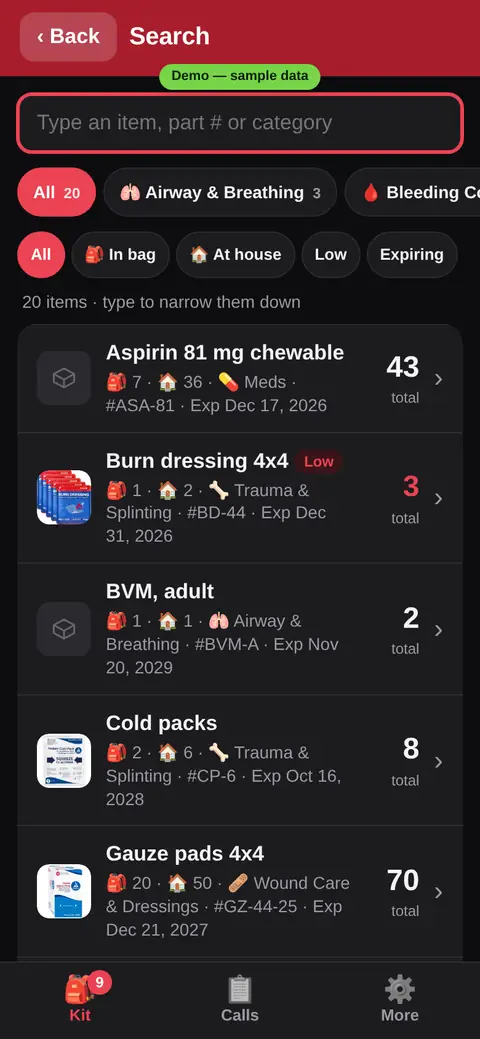
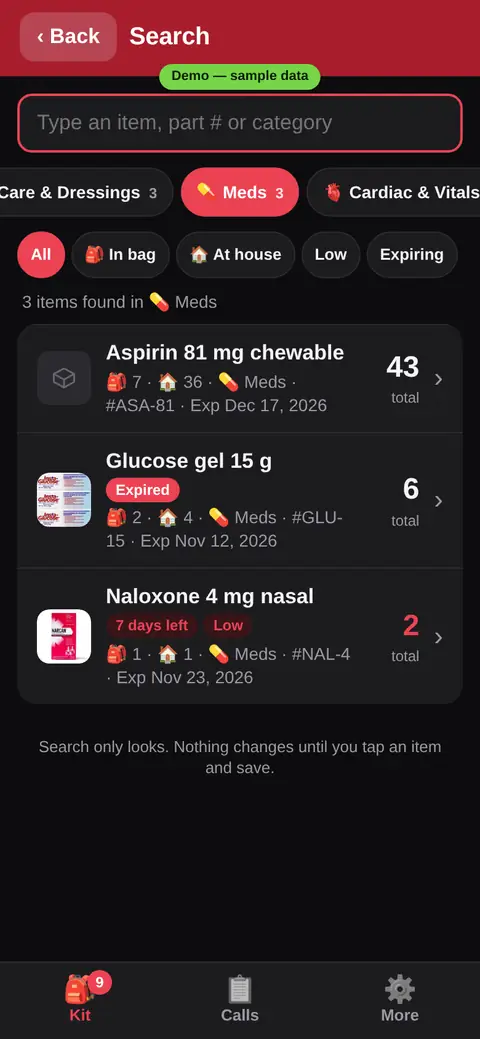
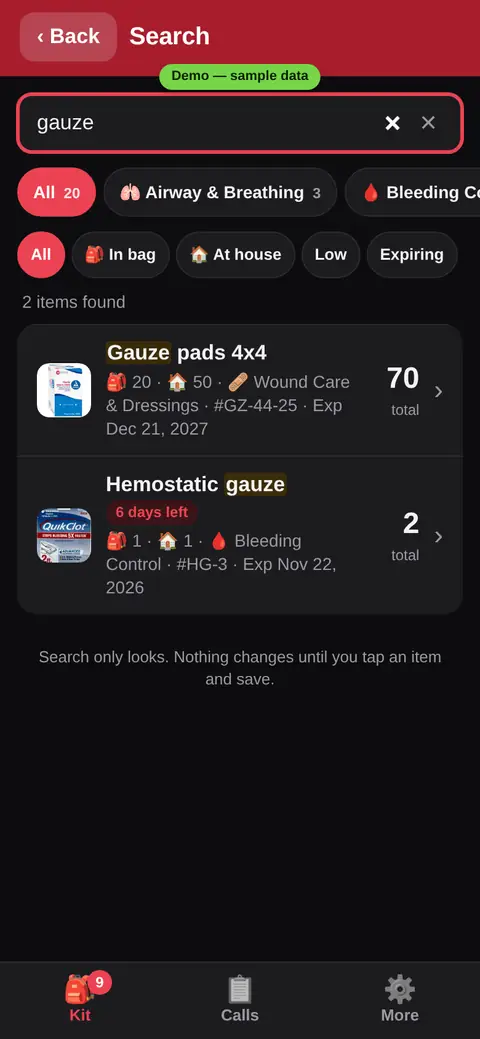
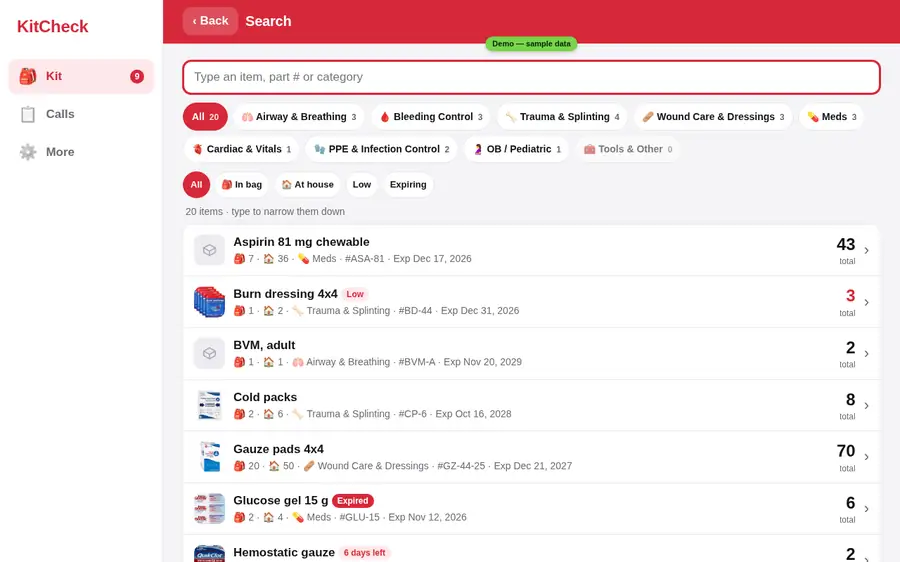
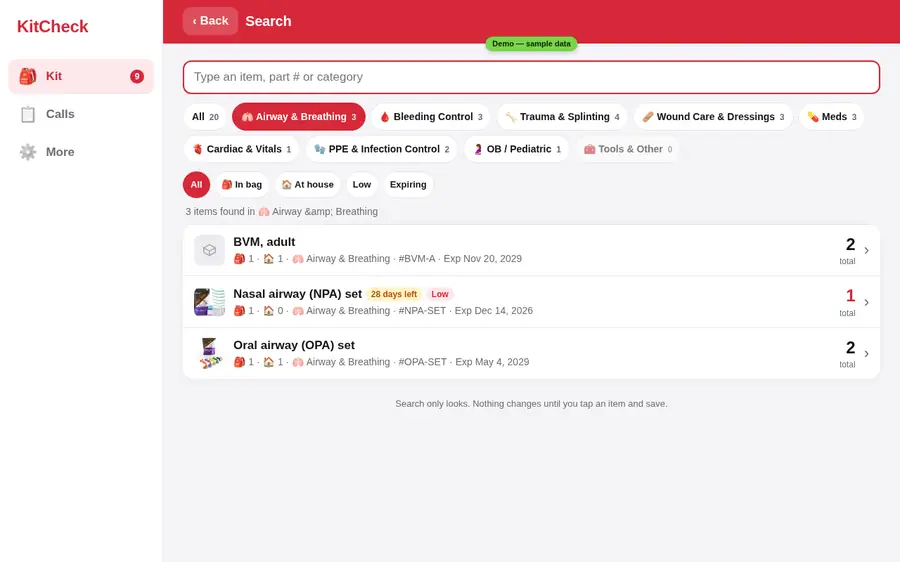
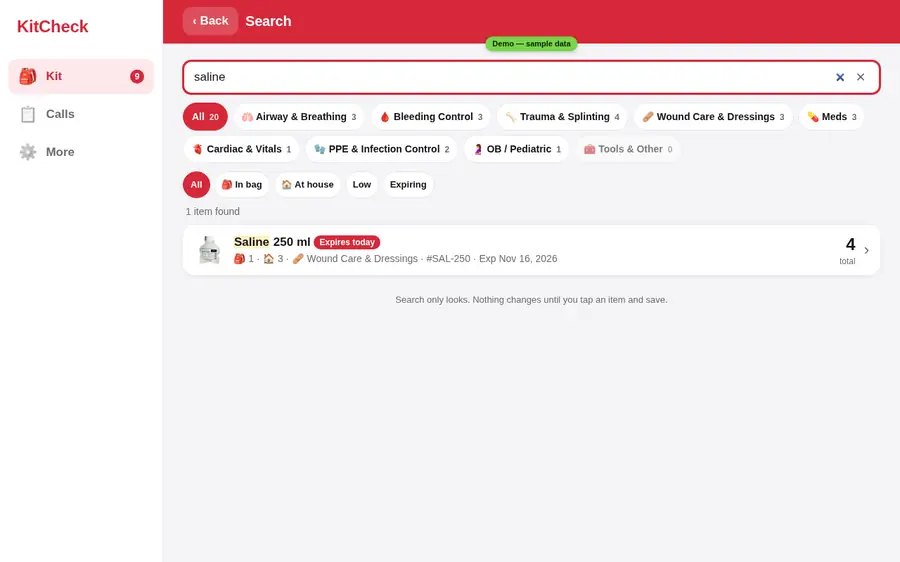
Search everythingNEW
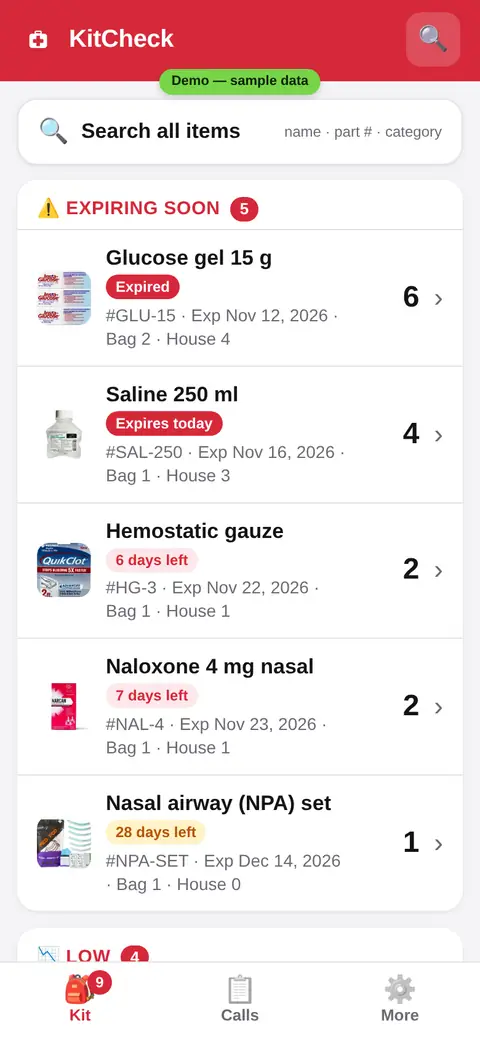
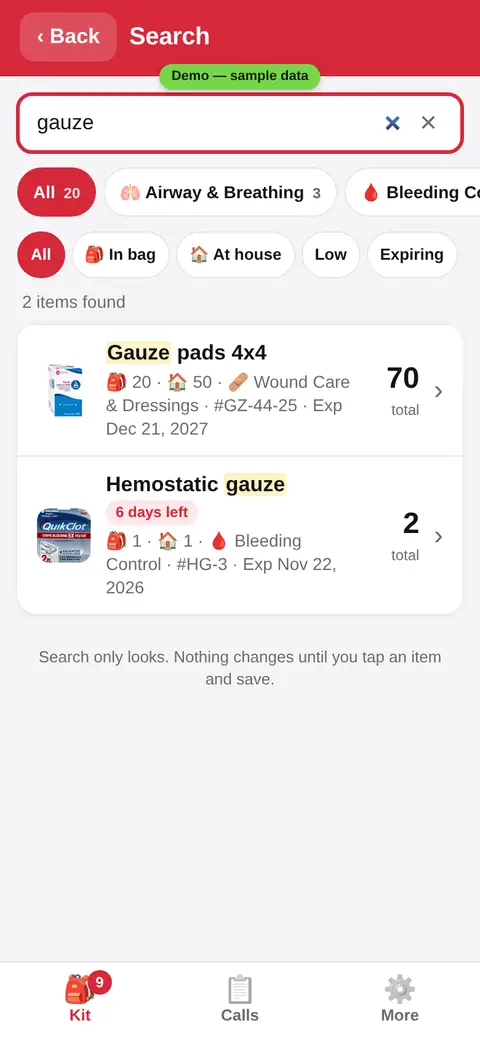
Tap 🔍 on any main screen, or the big Search bar on Home. The search box is at the top, with the category chip bar right under it (All plus each category with its count). Pick a category to browse it, and type to search inside it. Or type part of a name or a part number, in any order, with All selected. Search only looks, it never changes your stock.
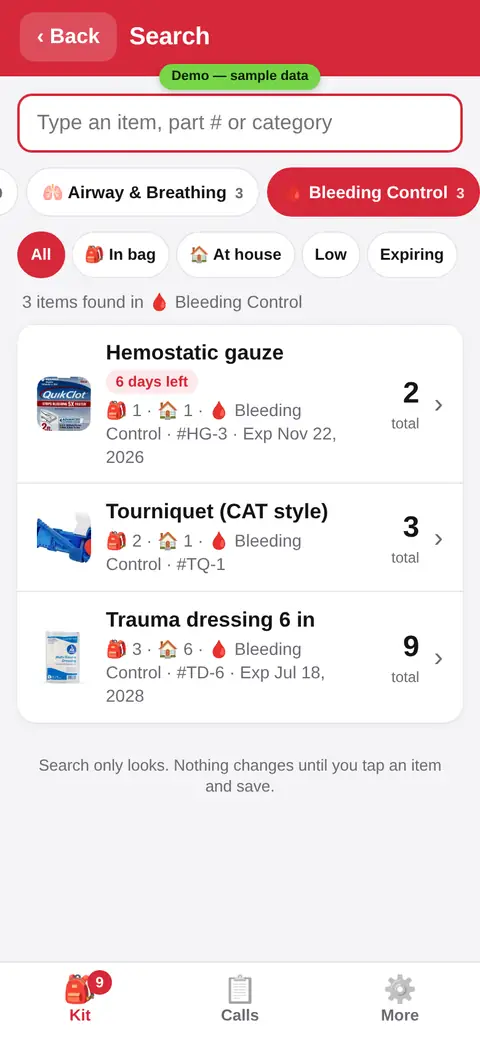
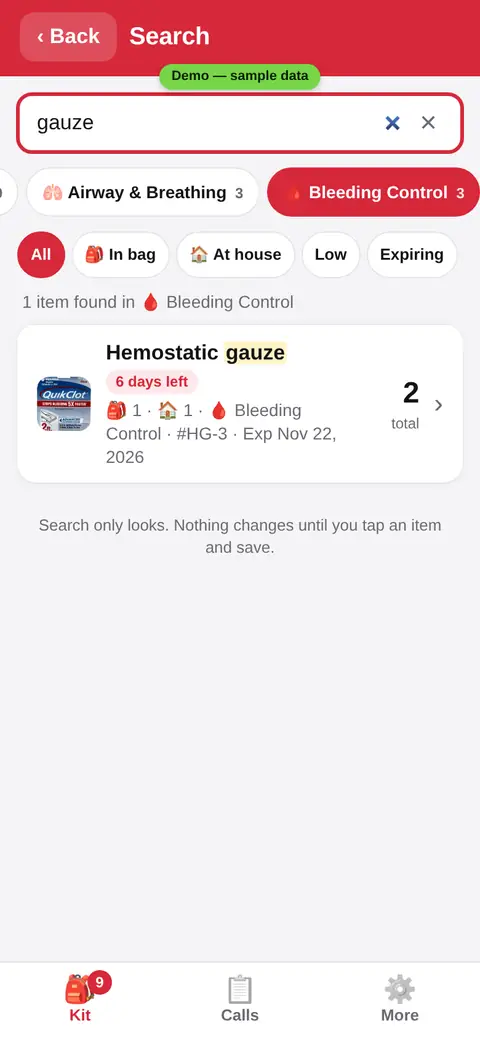
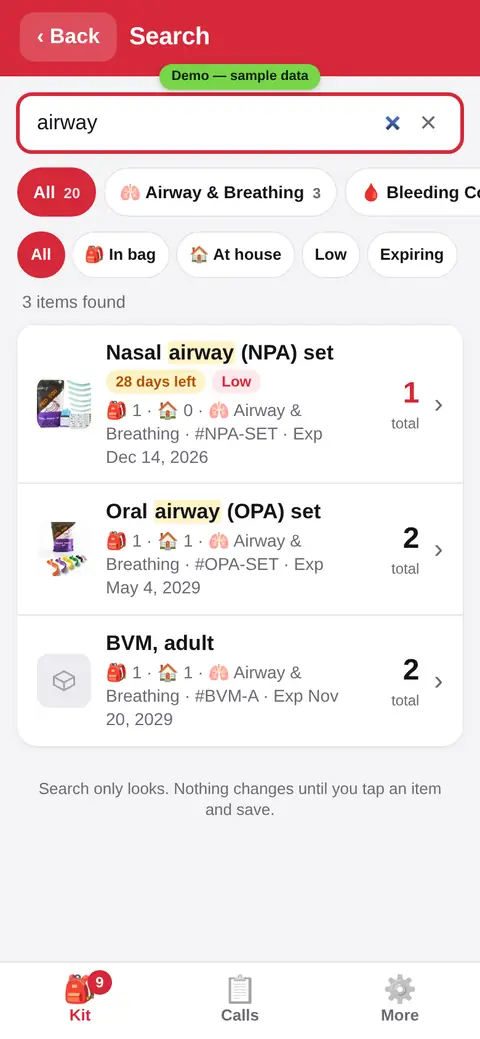
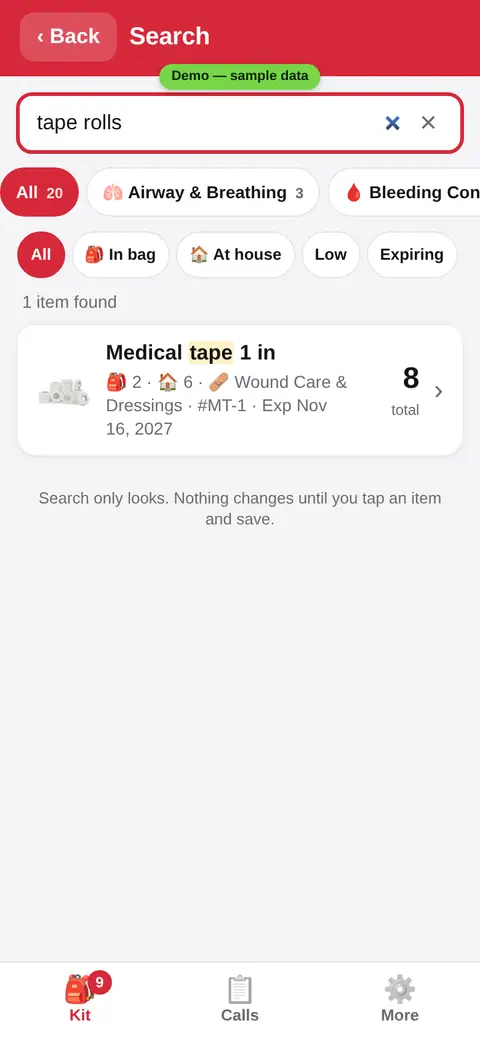
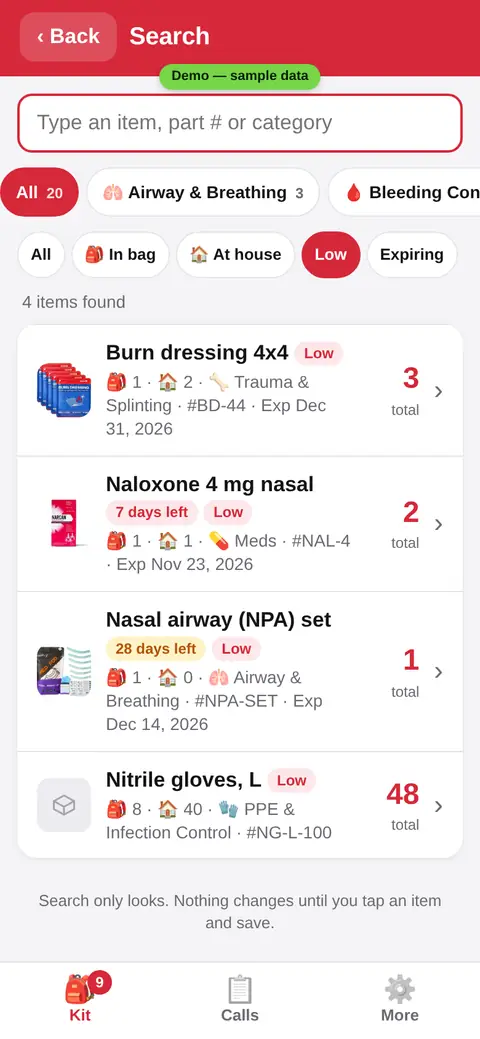
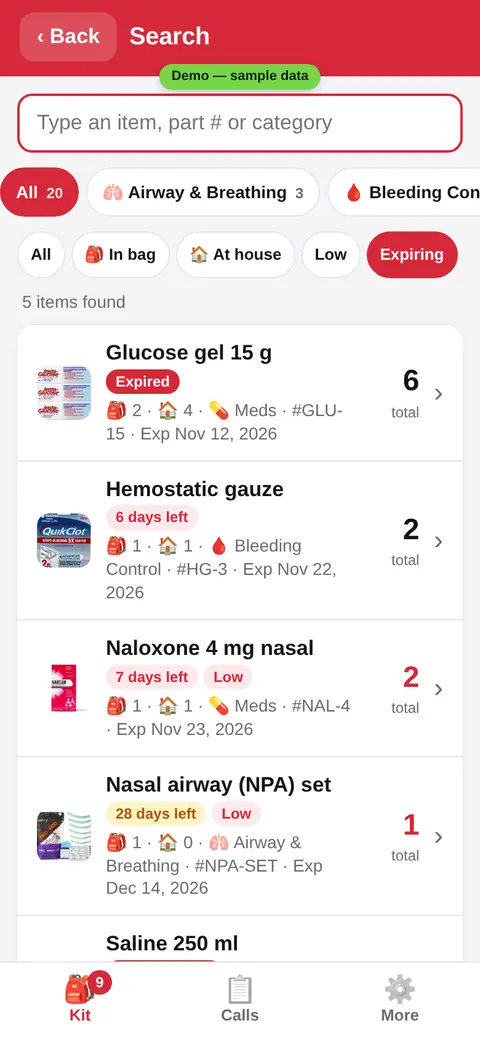
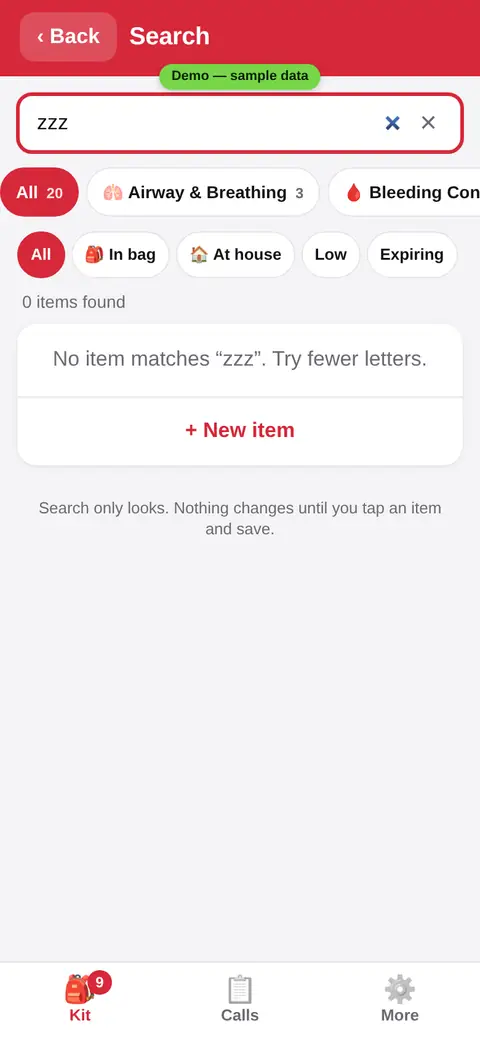
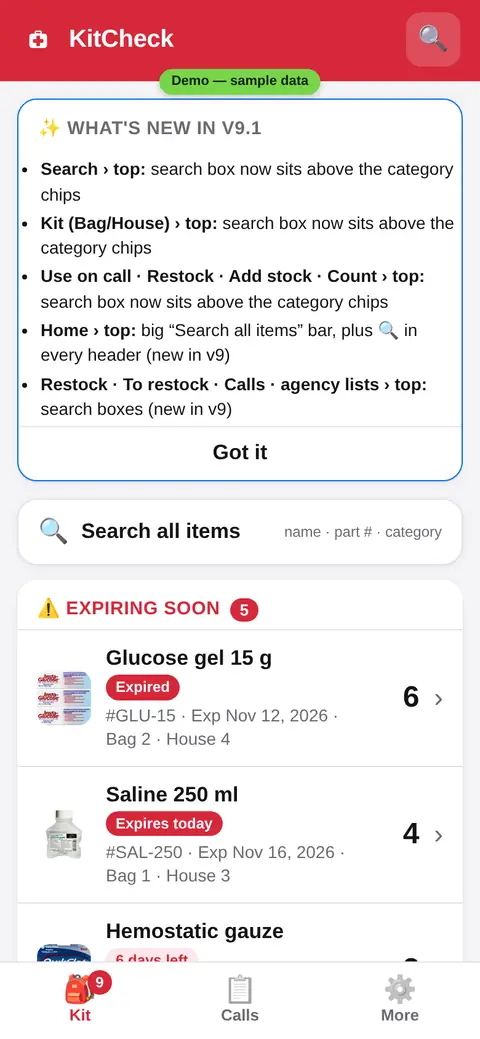
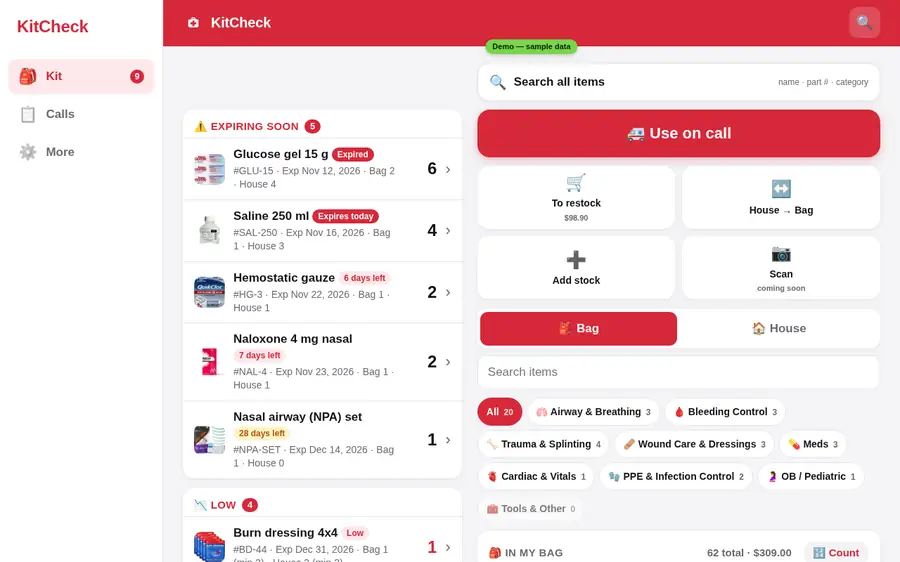
Your kit at a glance
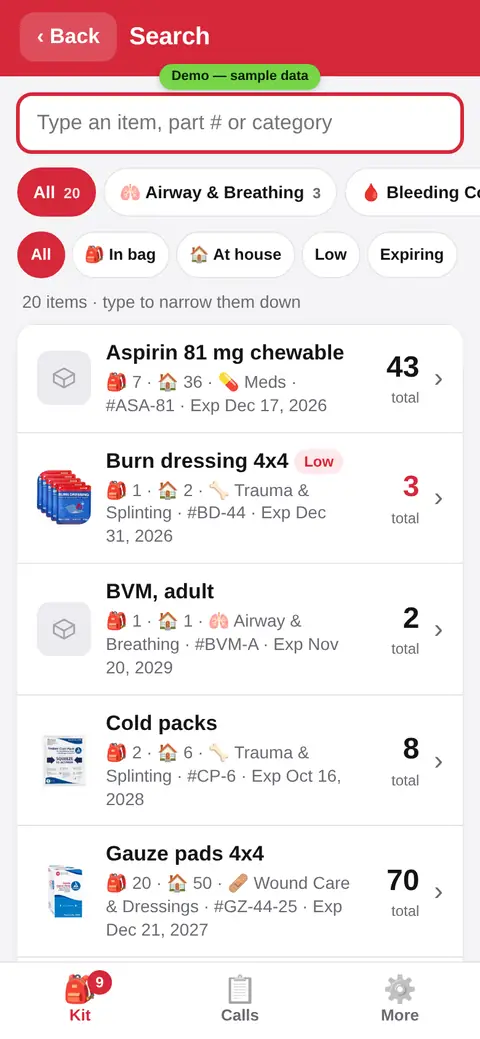
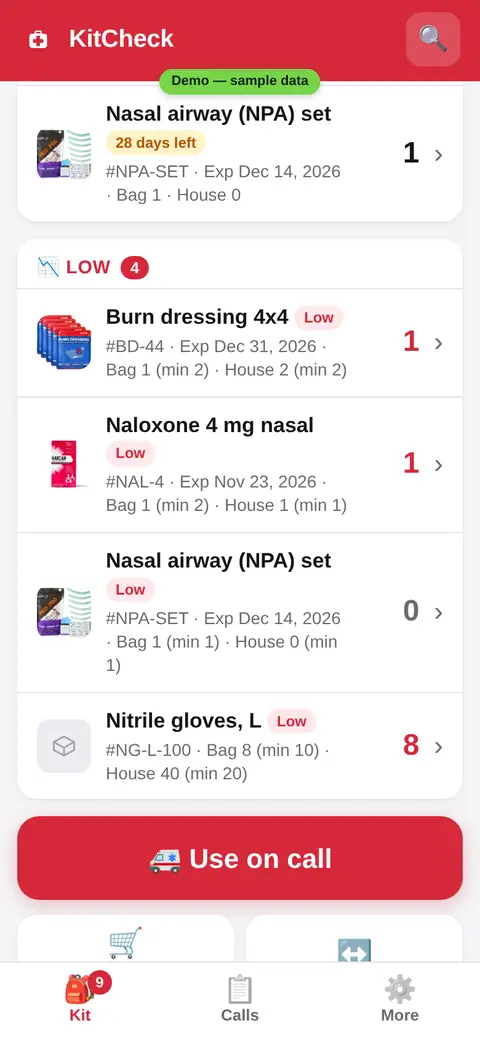
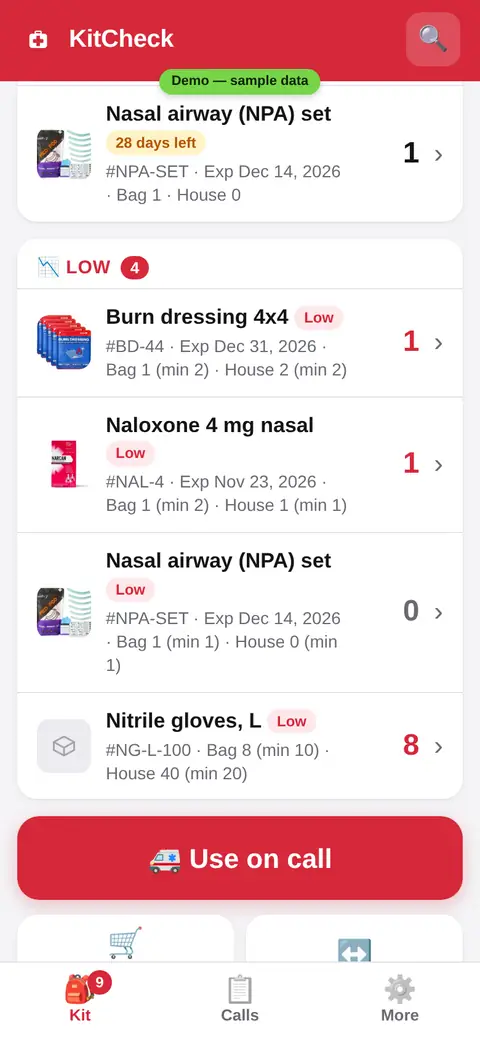
Open the app and see what needs you: items that expire soon, items that run low, and what is in the bag and at the house. Every item can have its own photo.
A search box on every listNEW
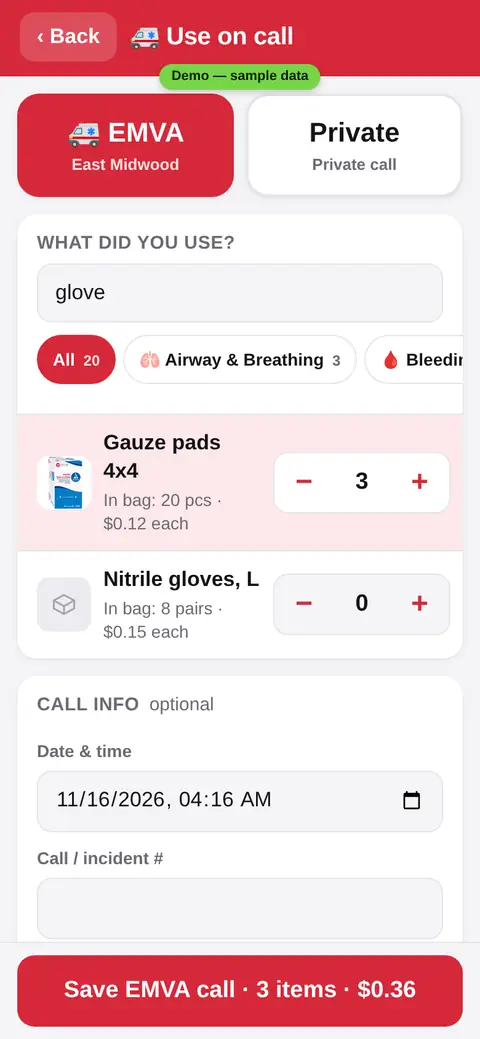
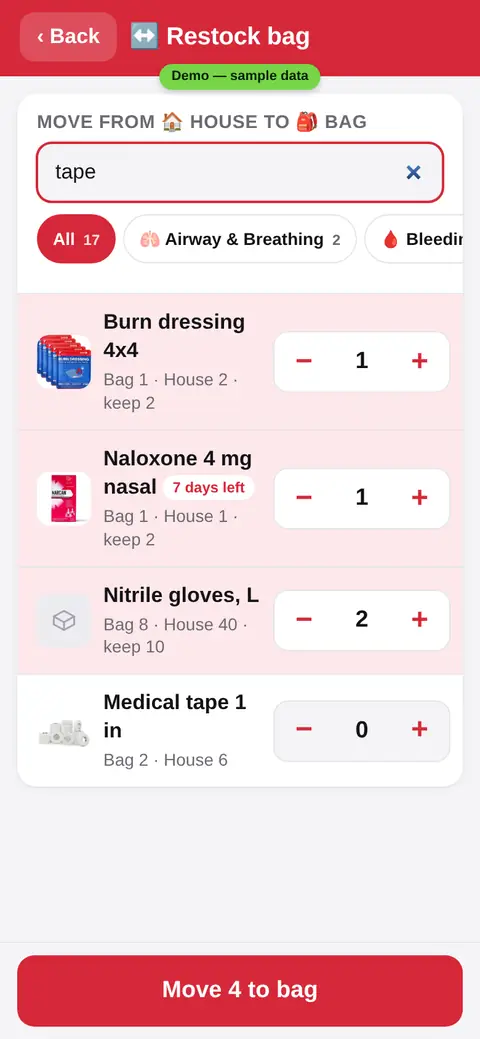
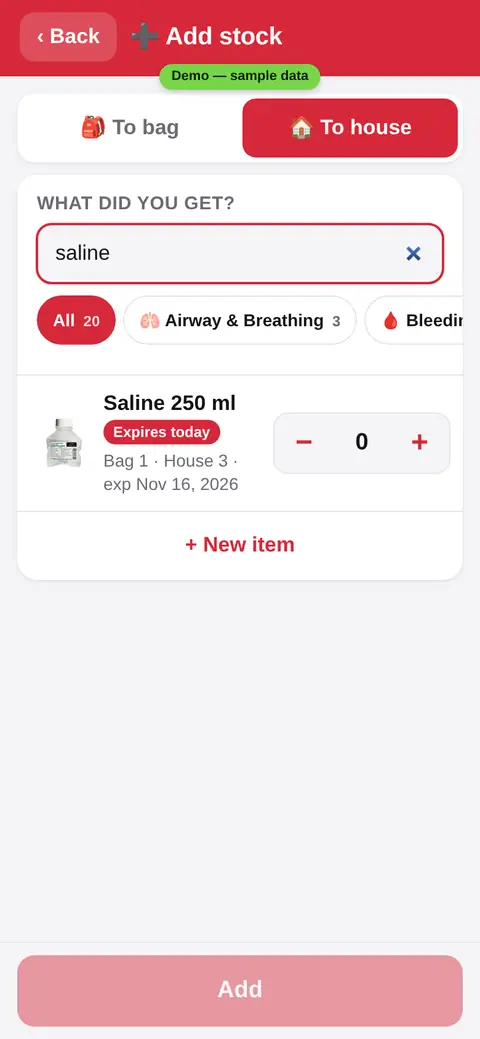
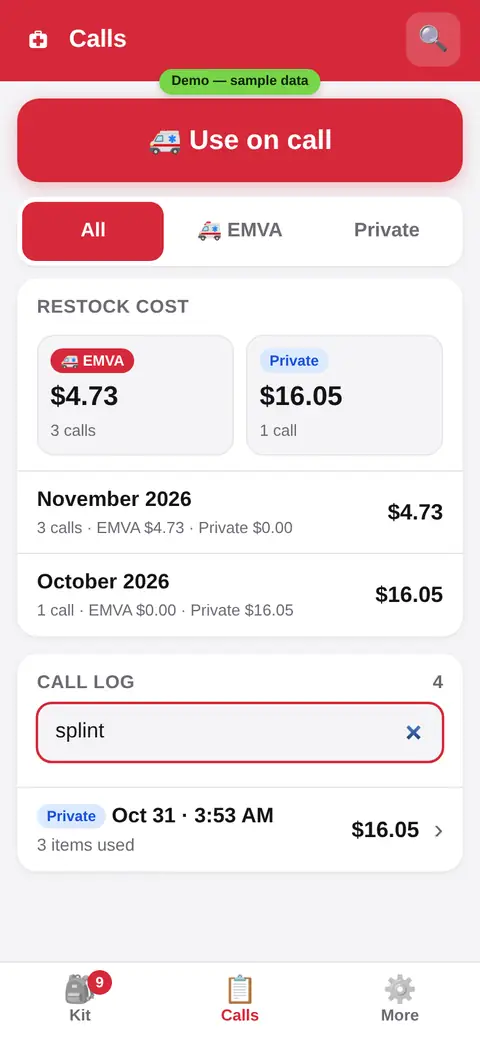
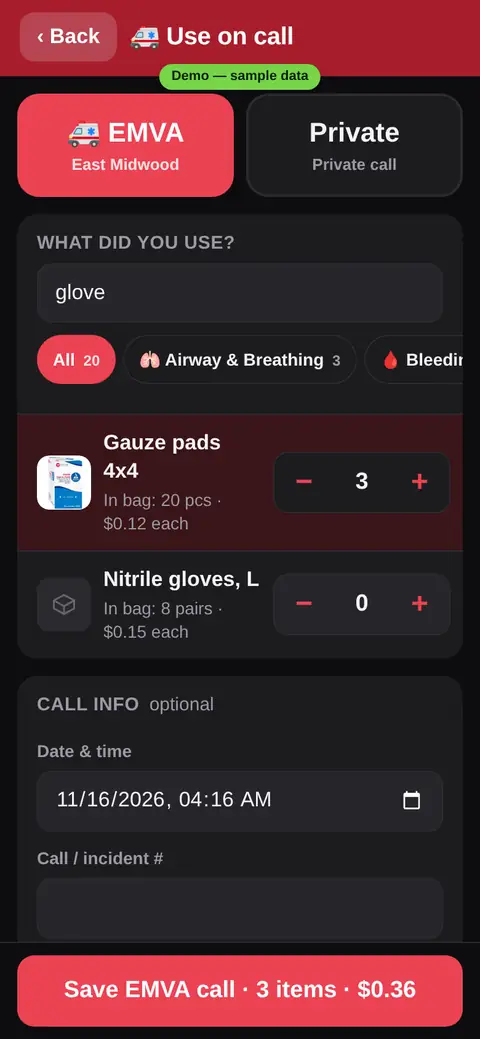
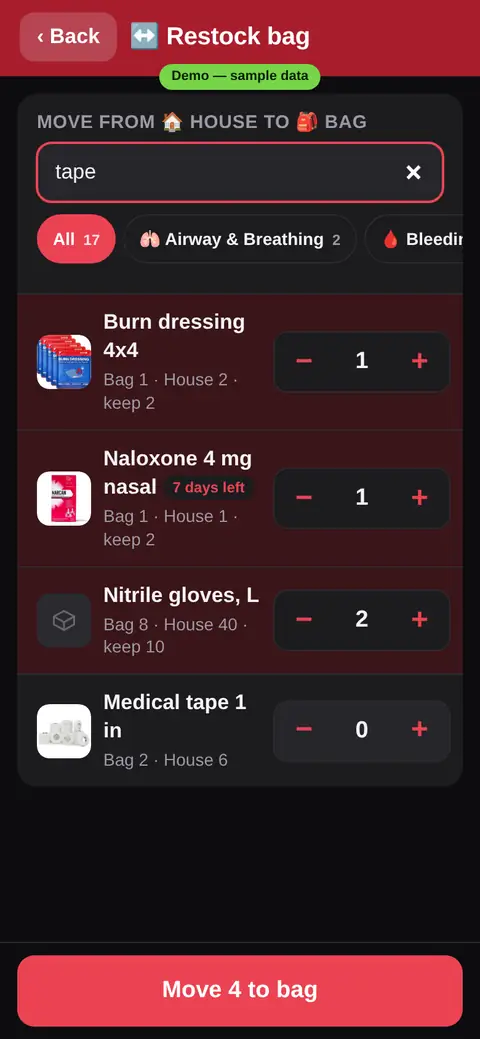
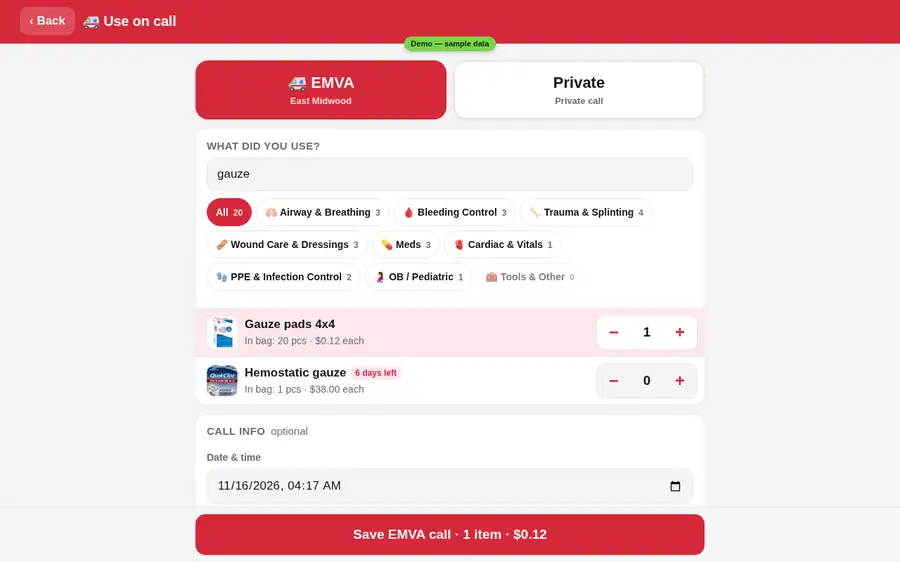
The same search is built into every picker and list: Use on call, Restock, Add stock, Count, your call log and the shopping list. Type a few letters and the list narrows.
Use on a call
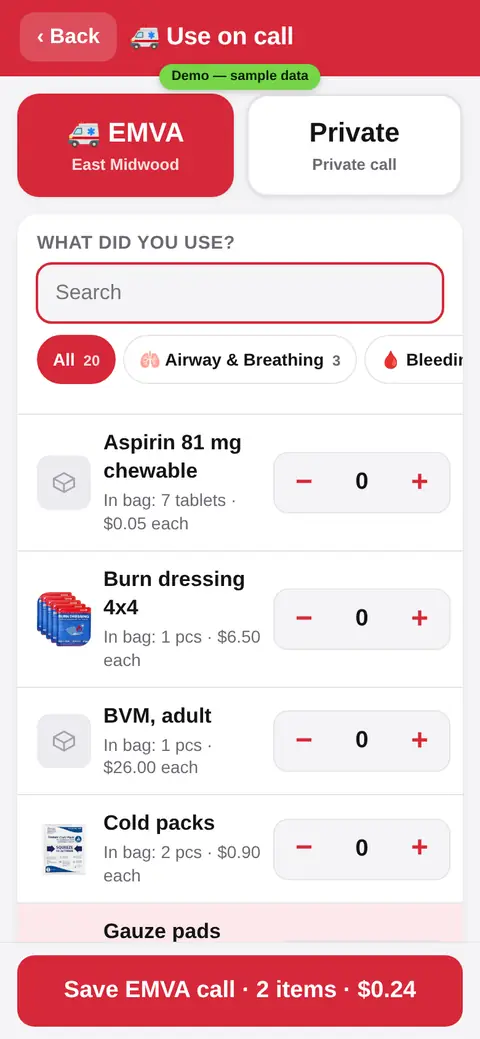
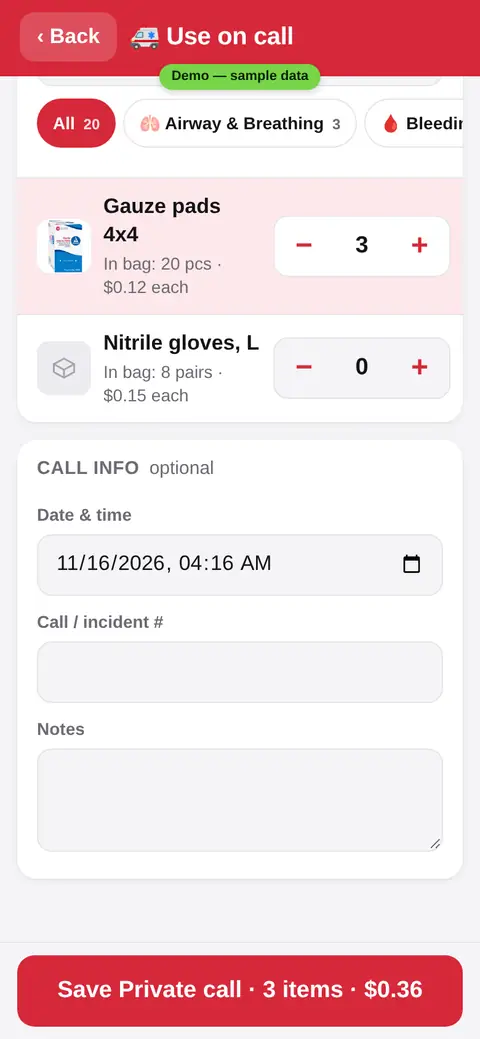
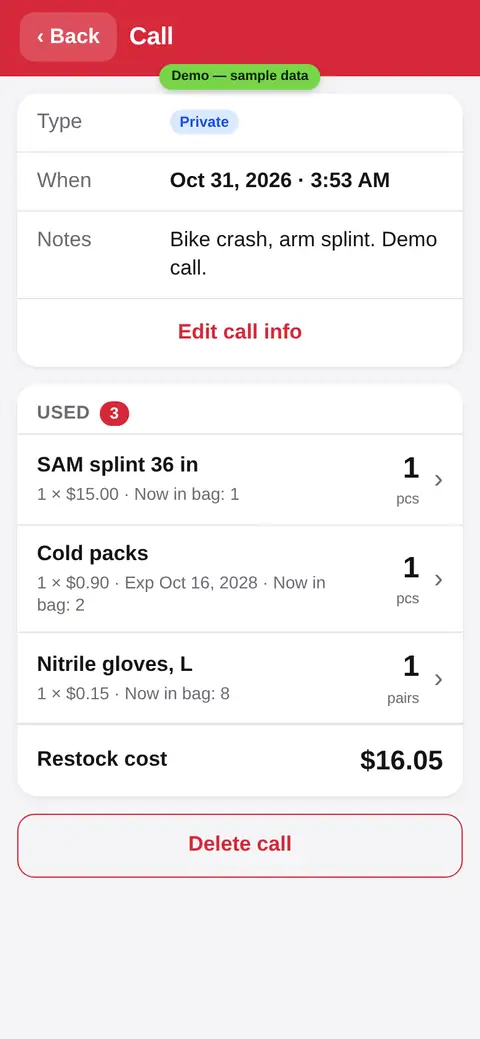
After a call, tap what you used. Pick EMVA or a private call. It comes off the bag and goes in the call log.
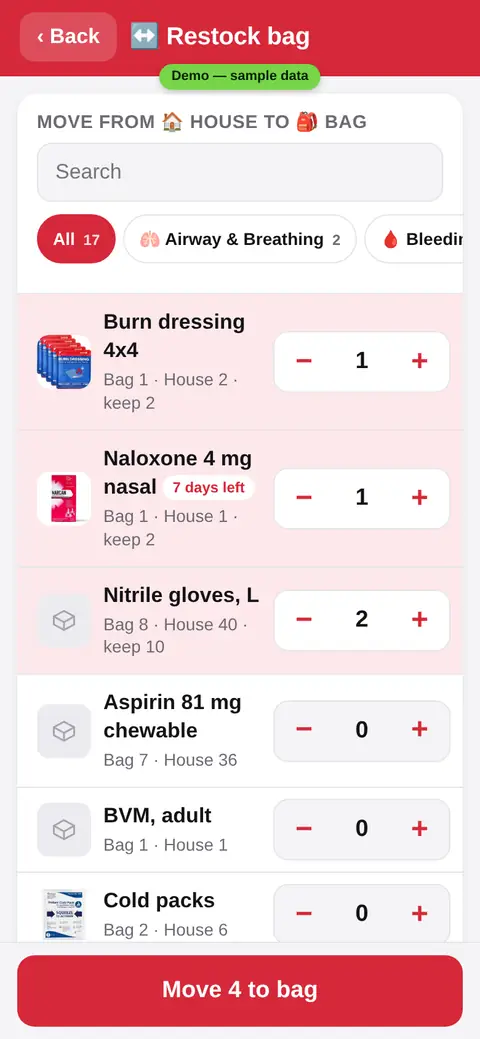
Restock the bag
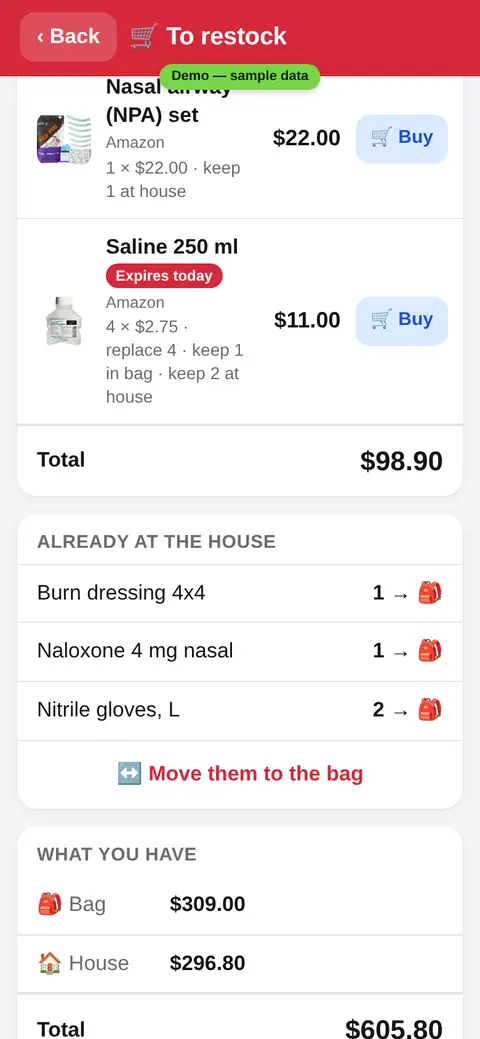
Move items from the house to the bag. KitCheck shows what is below your minimum, so you fill the bag fast.
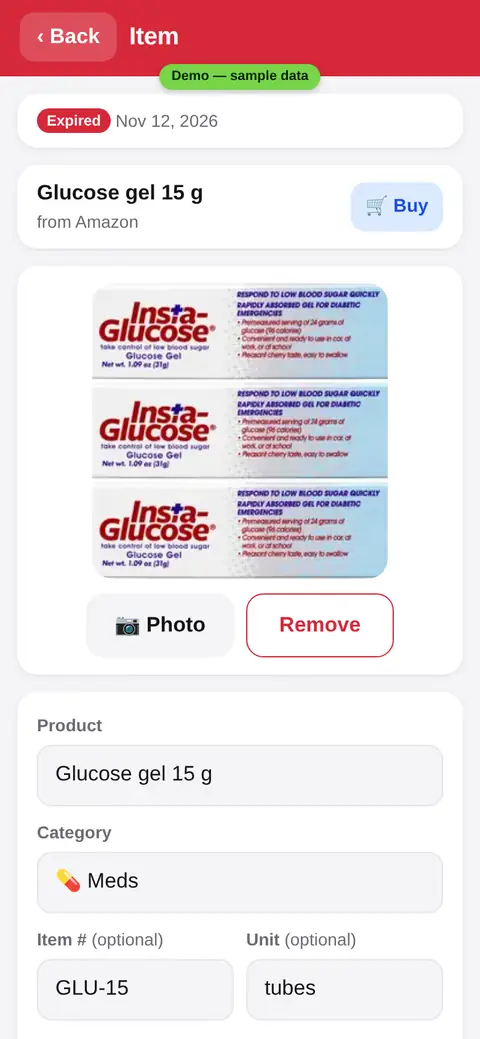
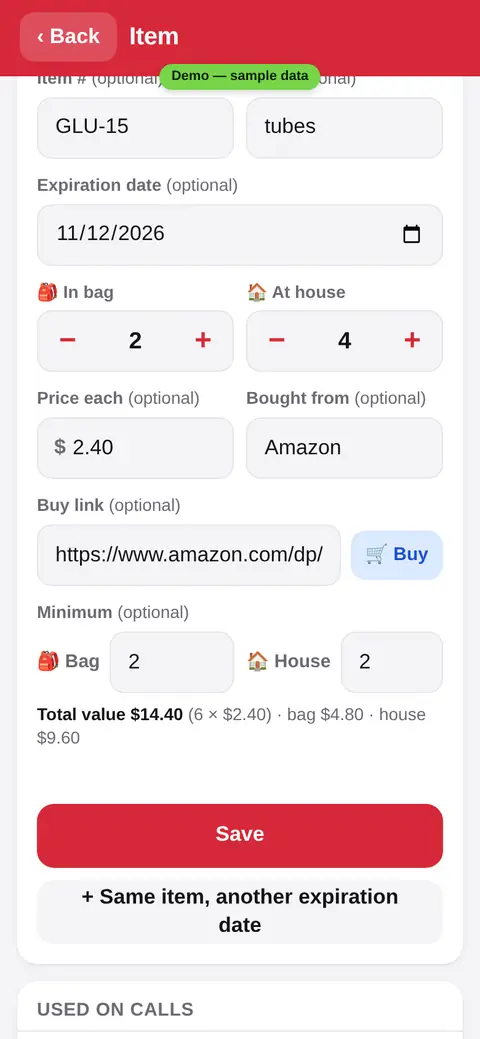
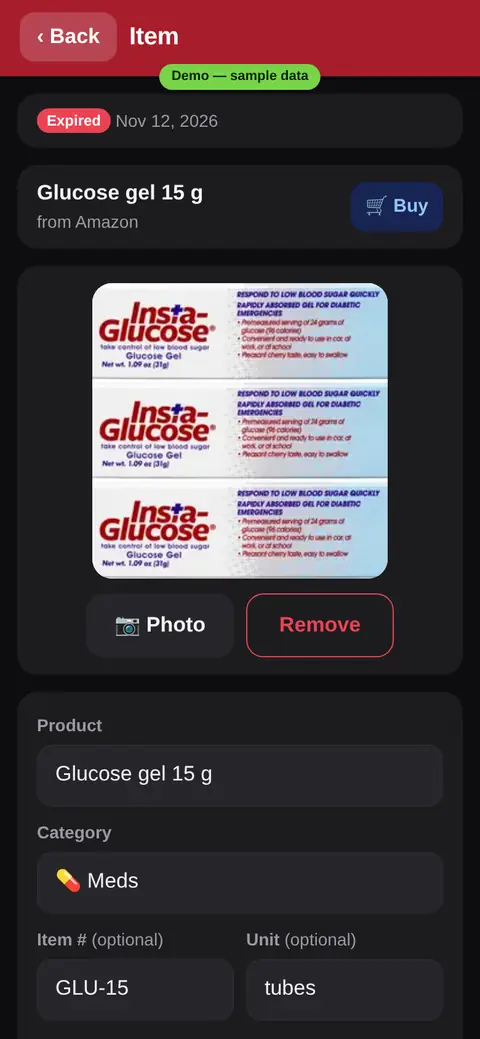
Dates, photos and prices
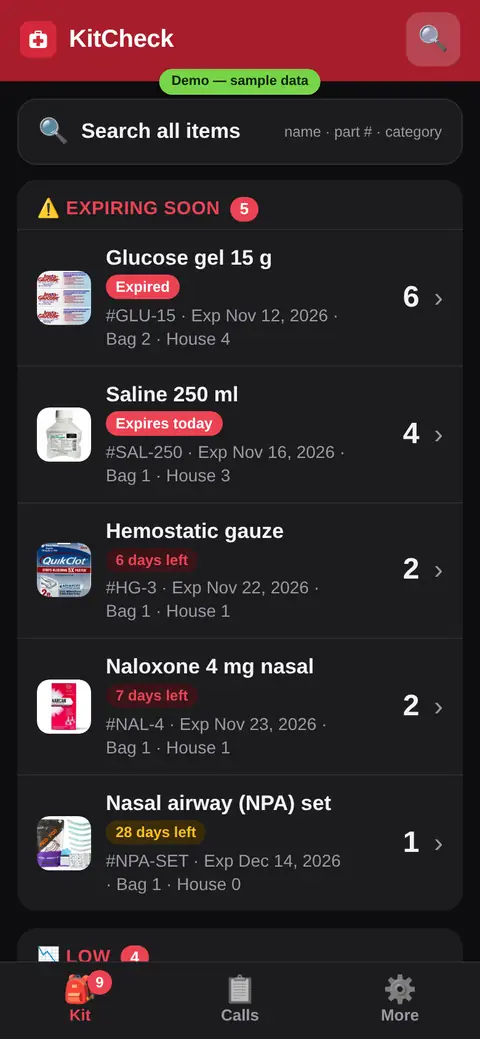
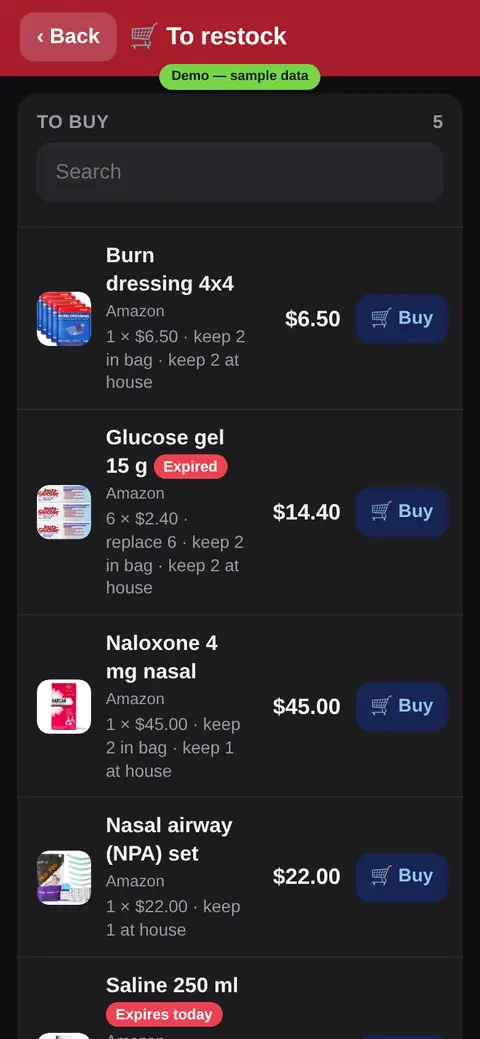
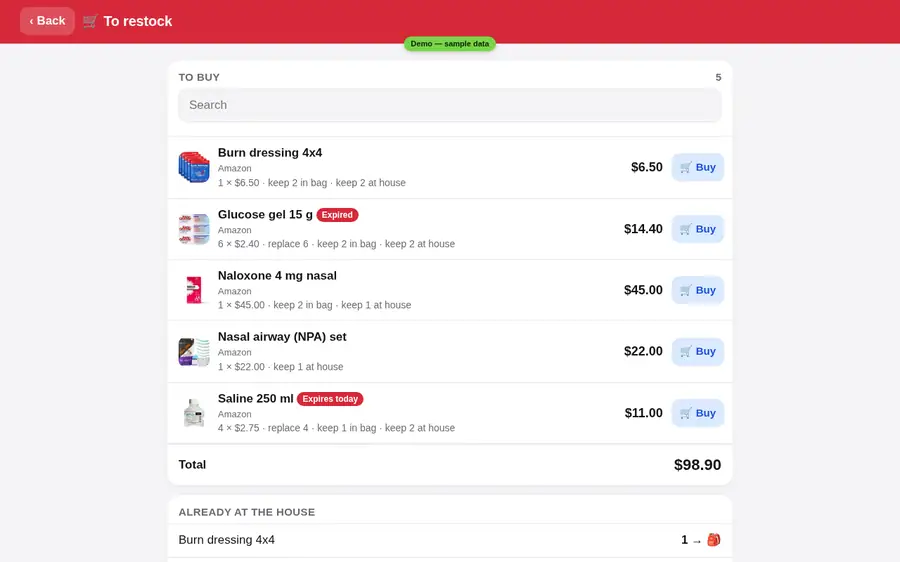
Every item has its date. You see “7 days left”, “Expires today” or “Expired” right away. Each item keeps its photo, price and store link.
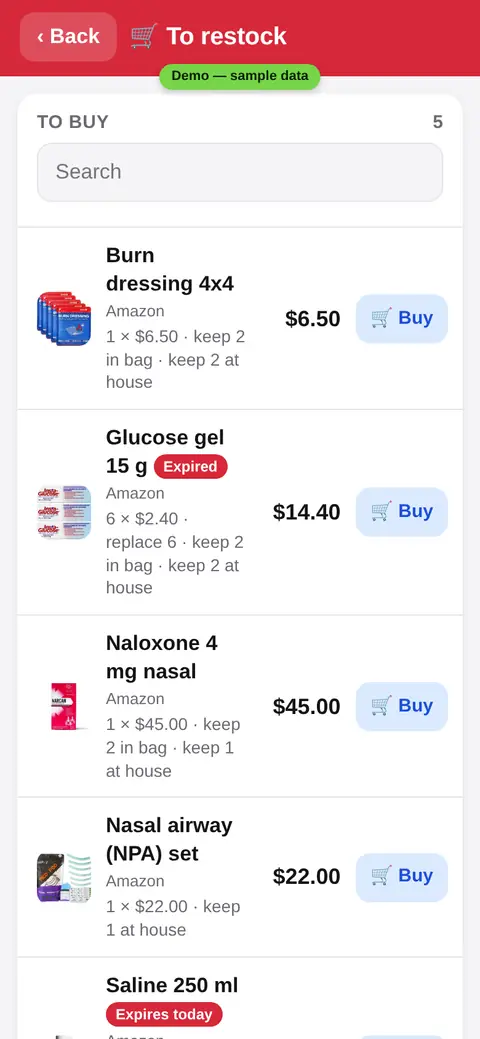
What to buy
One list of what to buy, how many and the cost, with a 🛒 Buy button on each item. Share it as a PDF.
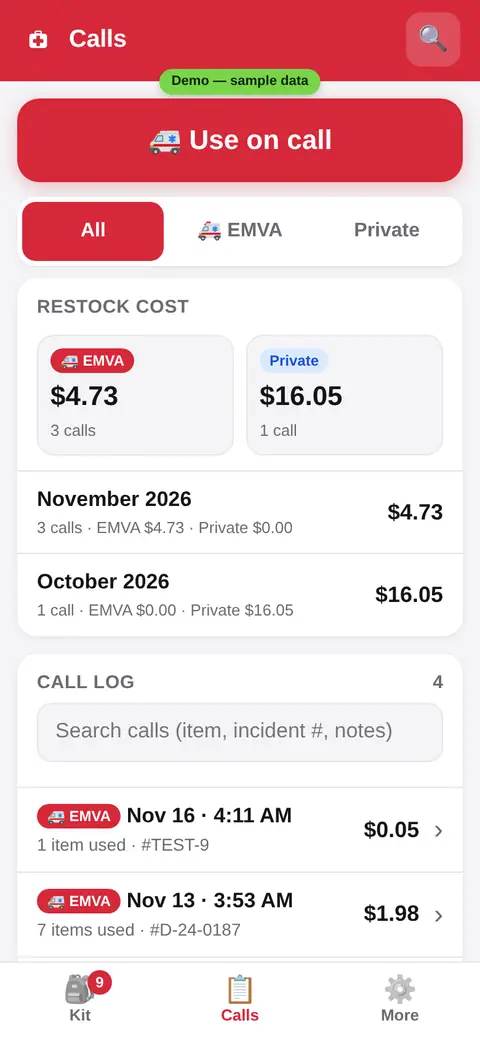
Calls and cost
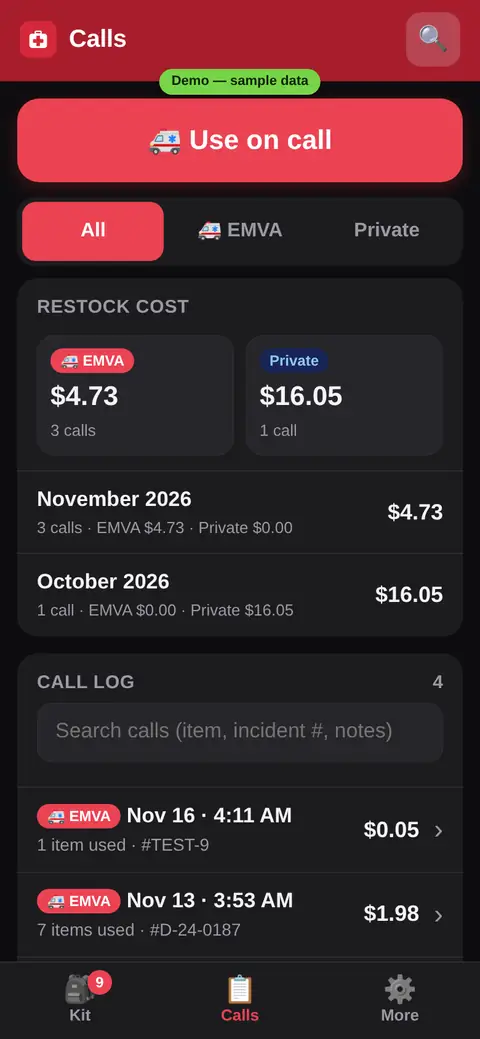
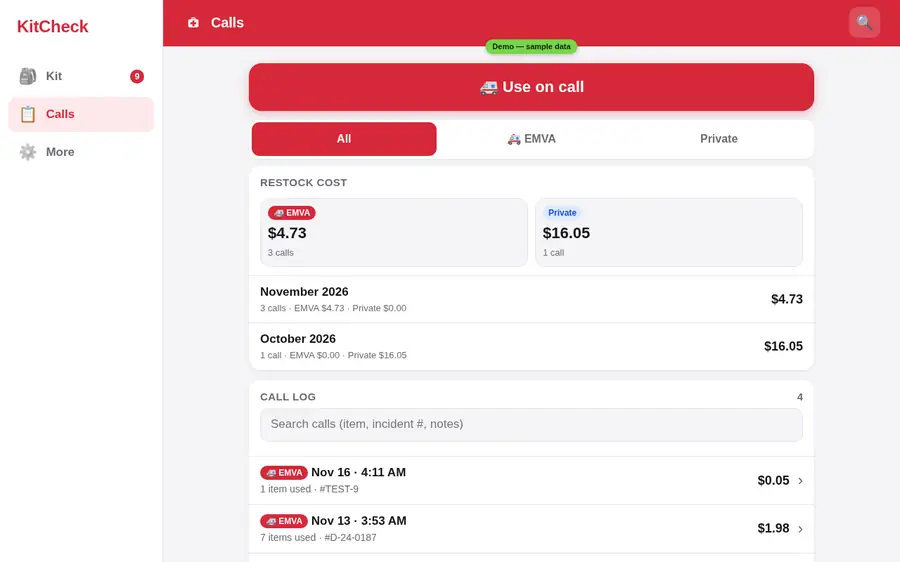
Every call is saved with what you used. See the restock cost per call, per month, and EMVA vs private.
Quick count
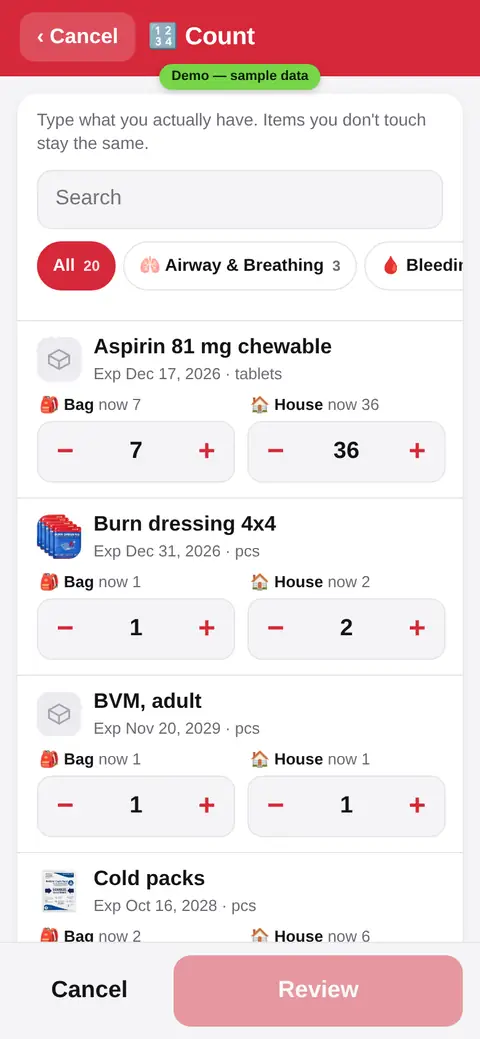
Count what you really have. Type the real number for the bag and the house. Items you skip stay the same. Nothing changes until you save.
Categories, export and lock
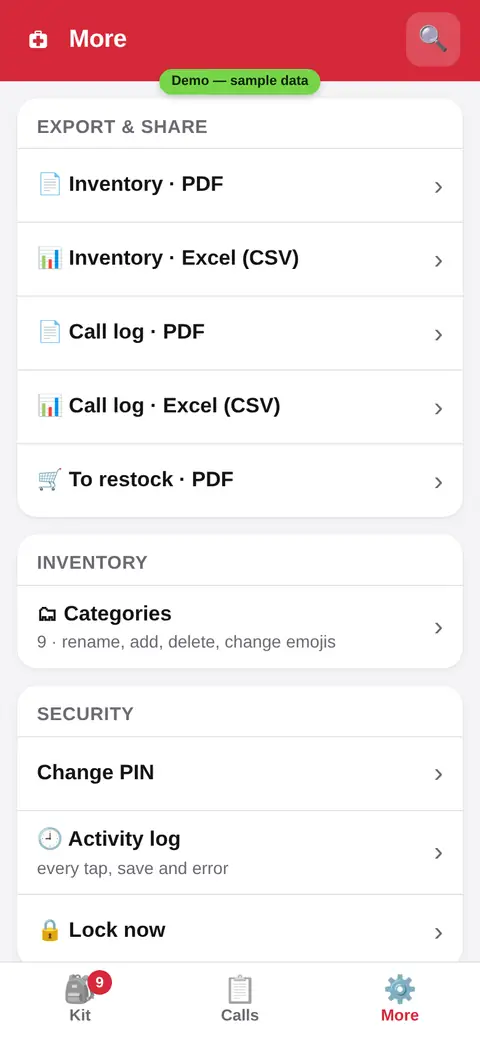
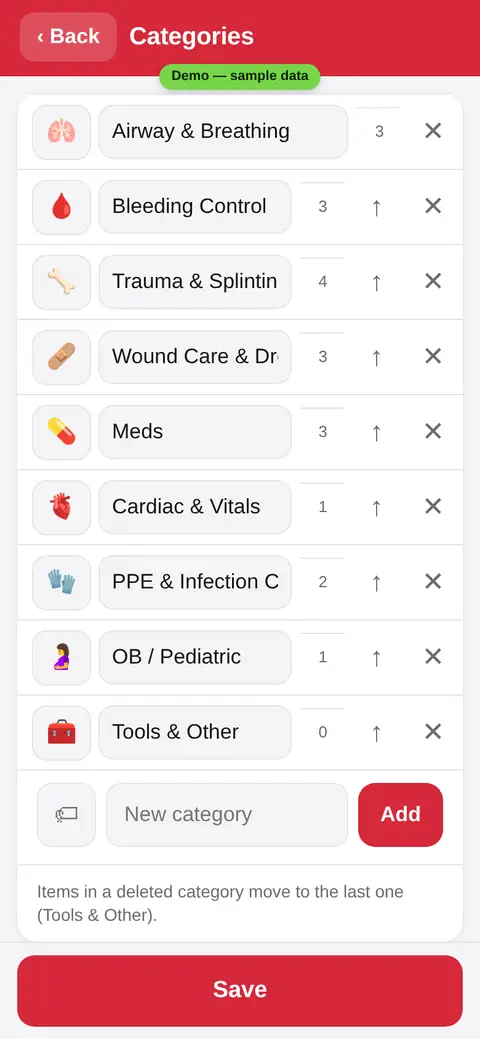
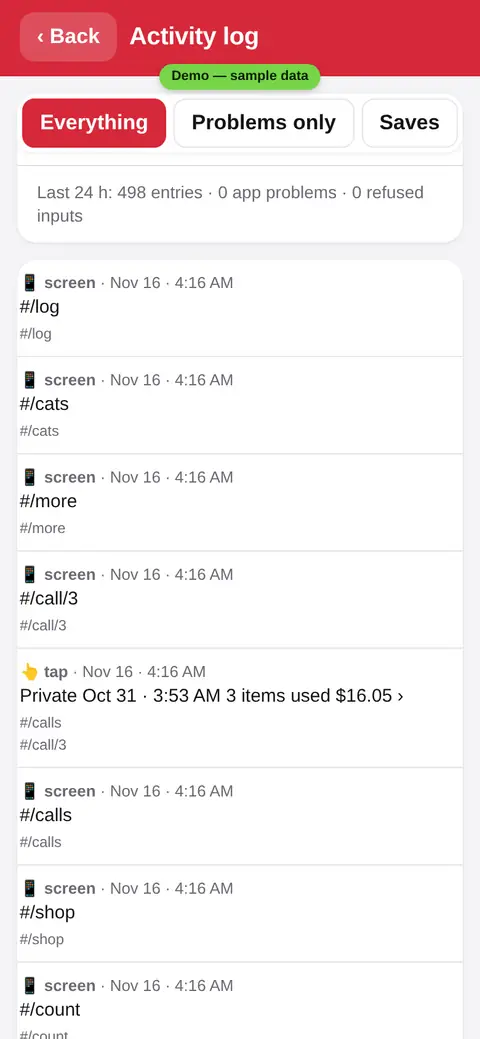
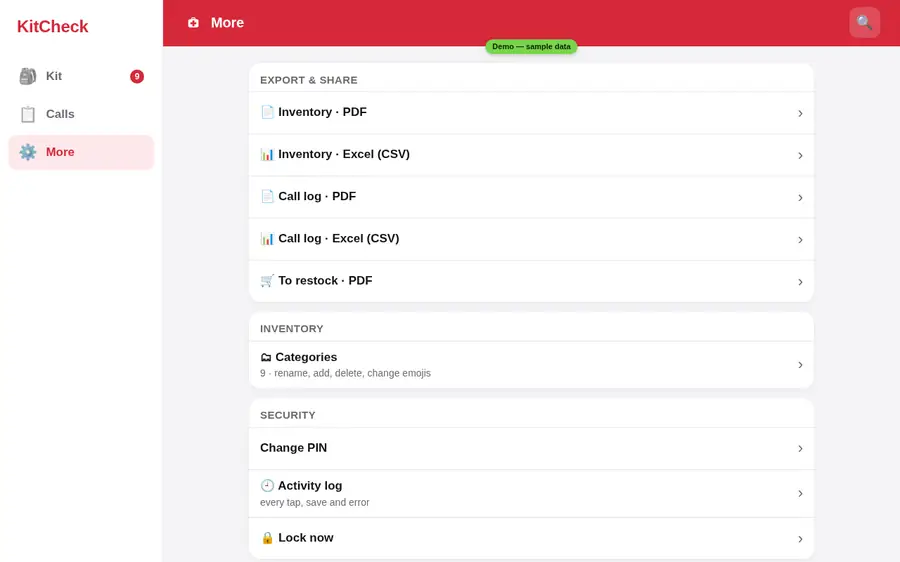
Make a PDF or Excel file of your stock, your calls or your shopping list. Rename categories. A PIN keeps the app locked, and the activity log shows every tap and save.
Light and dark
KitCheck follows your phone, day or night.
On a computer too
The same app on a bigger screen: add stock, read your calls and print the list.
Try it yourself
The demo has a sample kit. Tap around, nothing there is real. Demo PIN: 1234.